Best Tablets for Art and Design
If you’re an artist, designer or illustrator looking for a new tablet or tablet PC then you’ve got a lot to weigh up. A model’s price, size, screen resolution and stylus pressure sensitivity can all make a huge difference, so take a look at our list of the best tablets for creatives, including ‘mobile’ tablets, tablet PC and 2-in-1 models.
Before we start, we’re going to have to define what we mean by a tablet in this article. We don’t mean traditional graphics tablets with flat drawing surfaces that connect to your Mac or PC such as the Wacom Intuos Pro Paper Edition (which you can buy from Amazon here), often called ‘Wacom tablets’ even if made by other manufacturers. We’re also not including graphics tablets with built-in displays such as Wacom’s Cintiq Pro range. You can read our round-up of these ‘tablet displays’ in our guide to the best cheap Cintiq alternatives.
What we’re concentrating on here are essentially computers with screens you can sketch, draw and paint on. Some of these are what the wider world call tablets, Apple’s iPad Pro (below) and Android tablets that run mobile operating systems. These are thin, light with a 9- to 12-inch screen and have very long battery life.
Tablet PCs like Microsoft’s Surface Pro (below), HP’s ZBook x2, Wacom’s MobileStudio Pro are bigger with 13- to 14-inch screens and offer the full version of Windows – so you can run same apps as you do on your desktop or laptop, such as Adobe Creative Cloud. Most of these models offer clip-on keyboards, so manufacturers sometimes call them ‘detachables’ as they can also function as laptops.
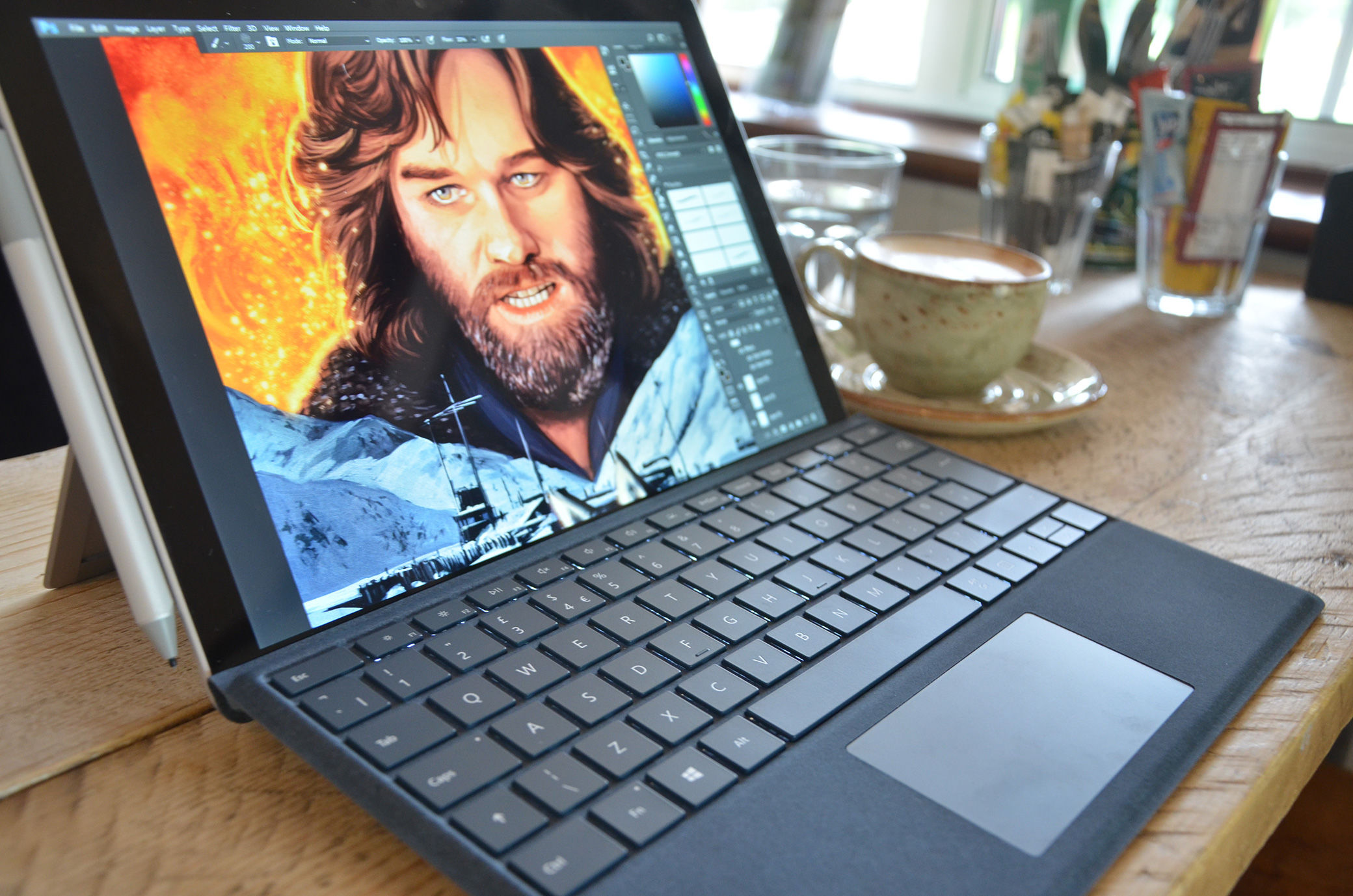
Tablet PCs are usually thinner and lighter than the kind of laptop you’d consider as a designer/artist, and as such have less powerful components. If you want the performance of the likes of the Apple MacBook Pro or Dell XPS 15 – and a 15-inch screen – you’ll need to look to a ‘convertible’ such as HP’s ZBook x360 (below) or Dell’s own XPS 15 2-in-1 (note, the term 2-in-1 is often used for both detachable and convertible models). They’re called convertibles as they’re laptops that you can also fold in the opposite way to closing it, flipping the bottom behind the screen to create thick tablet shape ready for you to draw on.
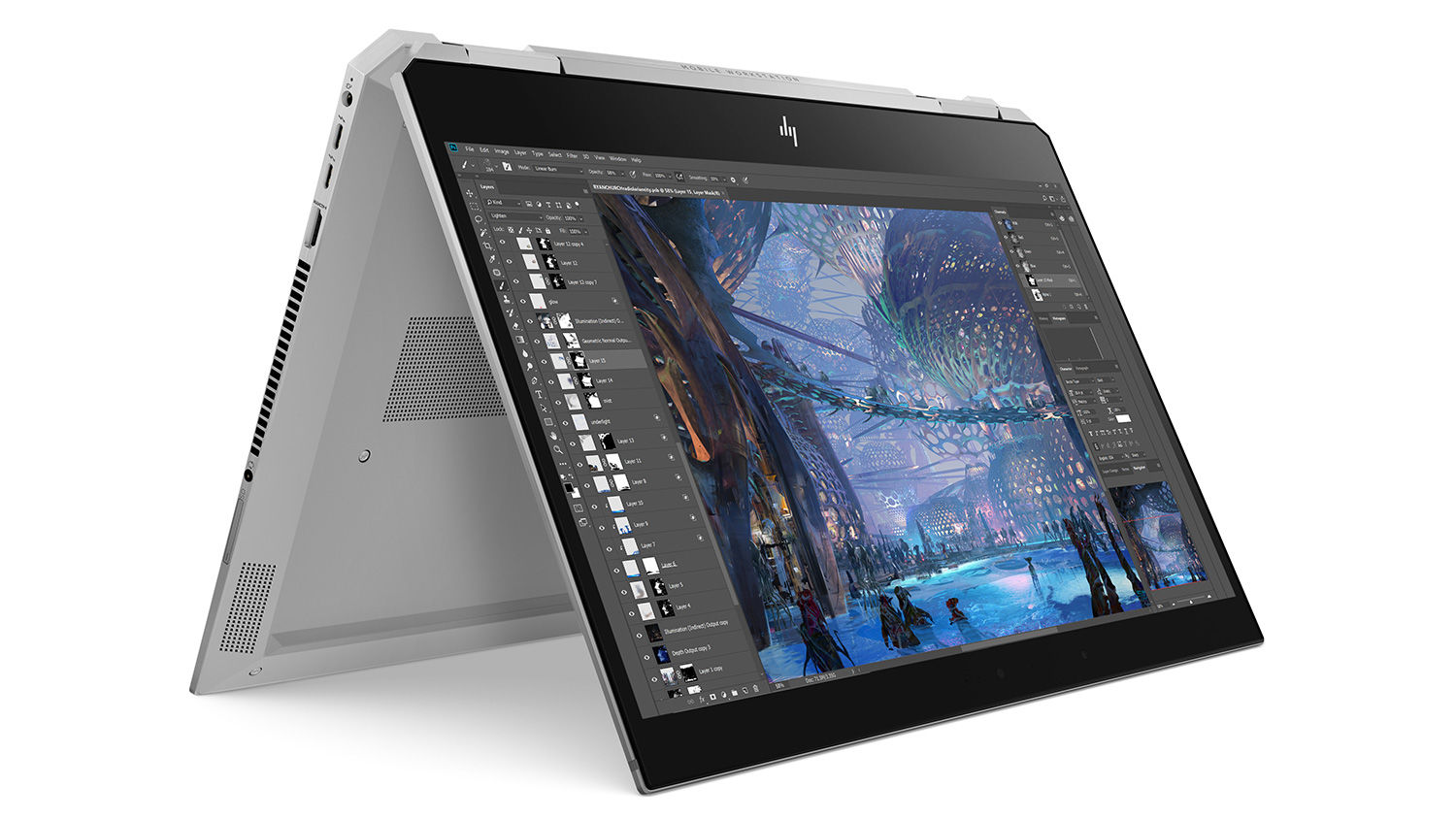
They’re also different from tablet PCs in that their processor, RAM and storage are in the base rather than behind the screen – so as such are as thick as traditional laptops.
(One oddity here is Microsoft’s Surface Book, which is a tablet PC with a clip-on keyboard that has a graphics chip built into it, boosting performance when it’s connected one way round like a laptop or the other way round and folded around.)
Here we list all the best in each class. Most devices have been reviewed by digital illustrator Sam Gilbey.
Apple 10.5-inch iPad Pro

- Screen-size: 10.5- or 12.7-inch
- OS: iOS 11
- Stylus: Apple Pencil (sold separately)
Apple released its new iPad Pro tablets in 2017, in both 10.5 and 12.9-inch screen display sizes. To Apple’s credit, artists can get a lot out of the iPad Pro – you can create fully finished artwork all on the device using tools like Procreate 4, but for designers it’s probably not be the best choice because it still doesn’t support full Adobe Creative Cloud apps such as Photoshop and XD.
For illustrator Sam Gilbey, the iPad Pro’s best feature is the Apple Pencil stylus, which you have to buy separately for £89/$99. Sam thinks the Pencil is more comfortable and better balanced for drawing, even than Wacom’s Pro Pen 2.
The iPad Pro is an incredible creative tool. For artists and illustrators who want a portable drawing and painting device, it’s more than a match for the Microsoft Surface Pro or Wacom MobileStudio Pro (unless you prefer the extra three-inches of screen that you get from the 16-inch Wacom).
For designers, editors and the rest though, Windows-based tablets still offer the ability to finish projects in a way that the iPad Pro doesn’t. However, if you’ve the budget the the 10.5-inch model is an excellent roughing/ideation tool that you’ll want to pair with an iMac or desktop PC (and the Duet Display Pro app lets you use your iPad Pro like a Cintiq).
Read Sam Gilbey’s review of the 10.5 and 12.9-inch iPad Pro. See also our guide to best drawing and painting apps for the iPad.
Apple iPad 9.7in (2018)

- Screen-size: 9.7-inch
- OS: iOS 11
- Stylus: Apple Pencil (sold separately)
Apple has also released a new base-level iPad 9.7-inch (its only non-iPad Pro option). It’s designed to appeal to students and teachers, but with Apple Pencil support (the pencil is still sold separately) and an affordable price, this could also be an option for artists who would use an iPad mainly for quick sketches.
Logitech also just released a new iPad stylus, the Crayon. With its chunkier design, the Crayon is built for the education market, and most probably younger ages.
Read our sister site Macworld’s iPad 9.7-inch preview.
Samsung Galaxy Tab S3
- Screen-size: 9.7-inch
- OS: Android 7.0 (Nougat)
- Stylus: Samsung S Pen (included)
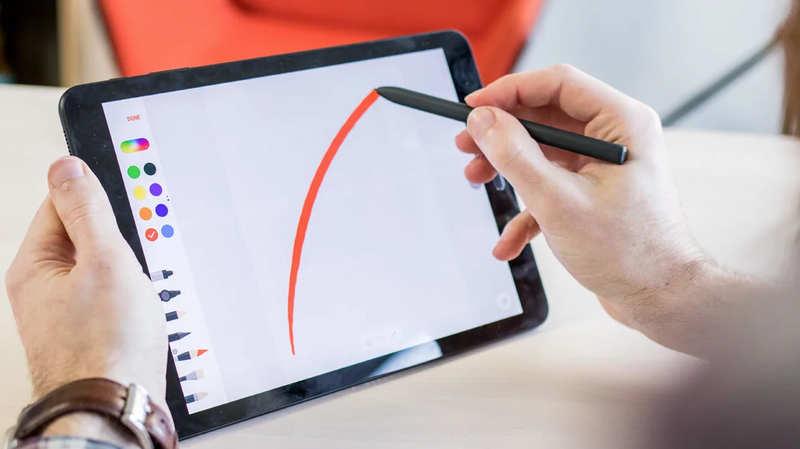
This is Samsung’s best rival to Apple’s iPad Pro. It’s considered to be the best Android tablet to be launched in years, so if you’re an Android fan, this is your best bet. The screen has 2,048 x 1,536 HD resolution and HDR support for better colour and contrast.
However, it doesn’t have the iPad Pro’s True Tone display (all you can do is optionally switch on the blue light filter) and it can be a little reflective with certain lighting. It does however include Samsung’s S Pen, which has four times the amount of pressure sensitivity to that of the Apple Pencil.
And while Autodesk’s Sketchbook Pro is available on Android, Procreate sadly isn’t. However, here’s our list of the best Android apps for artists.
Read the Samsung Galaxy Tab S3 review on our sister site Tech Advisor.
Microsoft Surface Pro (2017)
- Screen-size: 12.3-inch
- OS: Windows 10
- Stylus: Microsoft Surface Pen (sold separately)
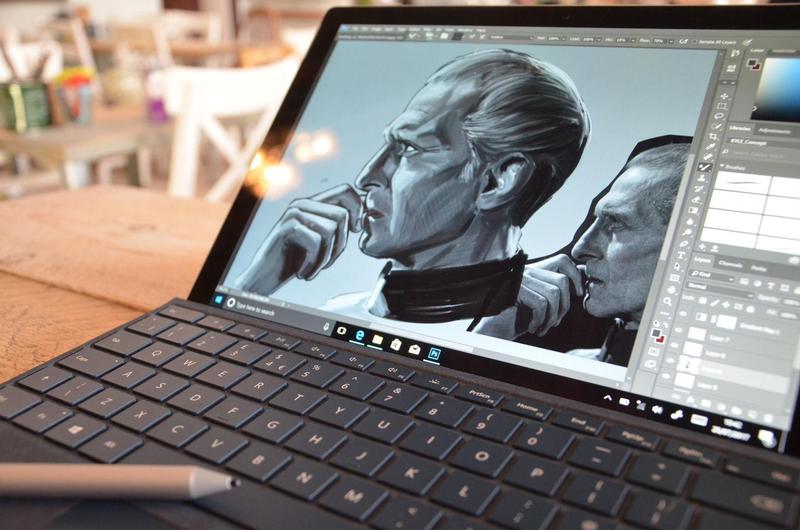
The Microsoft Surface Pro is a tablet PC that runs Windows 10 Pro on a 12.3-inch screen display. It can be used as a drawing tool fairly easily, even if you’re not well versed in Windows software. The design is sturdy, if a little chunkier than a tablet, but bear in mind this is a fully fledged PC as well. The screen has a 2,736 x 1,824 resolution and 10 point multi-touch. It takes Intel’s HD graphics cards and 7th Gen Core m3 processor (for the most basic model).
The pen (not included with Surface Pro) supports tilt and offers 4,096 levels of pressure sensitivity. Because this model comes with a keyboard, it’s generally only easiest to work from a table, so if you’re looking for something more portable this might not be the best choice for you. We think the Microsoft Surface Pro is a better option for designers wanting to use Adobe Creative Cloud, but may not be the easiest device to draw on freely.
Read Sam Gilbey’s Microsoft Surface Pro review.
Wacom MobileStudio Pro
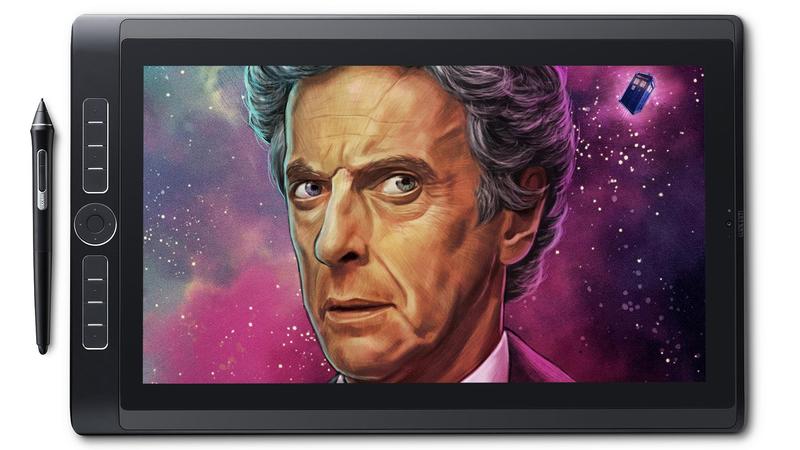
- Screen-size: 13.3 or 15.6-inch
- OS: Windows 10
- Stylus: Wacom Pro Pen 2 (included)
Wacom’s tablet PC option comes with the Wacom Pro Pen 2, and runs Adobe apps such as Photoshop, Illustrator and InDesign. It’s available in two sizes – 13.3-inch and 15.6-inch – and has a screen resolution in competition with laptops such as Dell’s Precision 5510 or HP’s ZBook Studio. It displays 96 percent of the Adobe RGB colour space, and the screens are multi-touch.
As with other Wacom pens – and unlike the pens used by the Microsoft Surface and the Apple Pencil – the pens don’t need charging. It offers 8,192 levels of pressure sensitivity. The MobileStudio Pro can detect up to 60-different levels of pen tilt at angles from vertical to 40-degrees – which varies the effect of your stroke depending on what’s possible in the application you’re using. This would be a great option for both designers and artists wanting a portable tablet PC to work on.
Read Sam Gilbey’s Wacom MobileStudio review.
HP ZBook x2

- Screen-size: 14-inch
- OS: Windows 10
- Stylus: ZBook x2 pen (optional)
This 2-in-1 is powerful but much chunkier than an iPad Pro or Surface Pro. You can sketch within apps and edit using Photoshop – or even render in 3D using Maya, Maxon and SolidWorks – all on this one device, but it’s a lot heavier and clunkier than Wacom’s range or an iPad Pro. It’s designed for freelance artists and designers, with the idea that multiple creative apps can be run at one time for when you’re outside the office or meeting with a client. Instead of sketching on a smaller tablet and editing on a laptop, you can work through an entire creative process with the HP ZBook x2.
You can use it as a traditional tablet like the Apple iPad, in laptop mode by attaching the clip-on keyboard, and in dock mode connected to a monitor, more like the Wacom Cintiq Pro.
The HP ZBook x2 comes with a 14-inch, 4K touchscreen. It’s anti-glare and there’s a Dreamcolor option that can output 10-billion colours – including the full Adobe RGB gamut for smooth shades, shadows and highlights. The Wacom-powered stylus is sold separately.
Read our HP ZBook x2 hands-on review.
(HP has just announced a more-powerful convertible that it’s selling alongside the x2, the ZBook 15 x360.)
Dell XPS 15 2-in-1
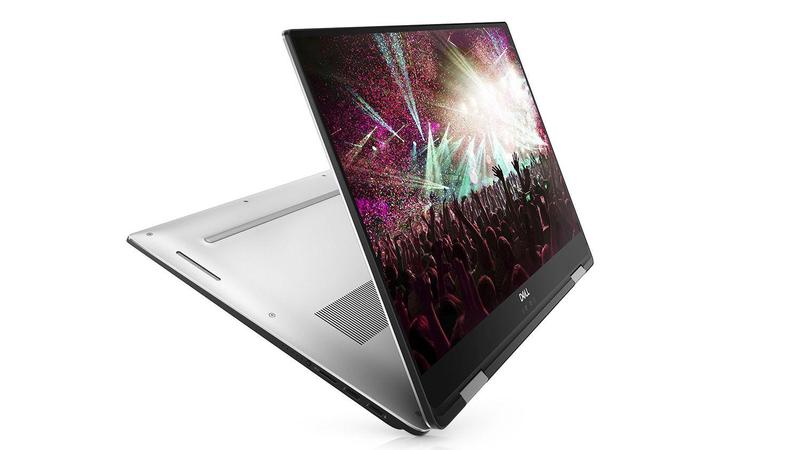
- Screen-size: 15.6-inch
- OS: Windows 10
- Stylus: Dell Premium Active Pen (included)
This is a ‘convertible’ variant of the XPS 15, Dell’s competitor to Apple’s MacBook Pro 15. It offers a Wacom-based, tilt supporting pen (with 4,096 levels of pressure sensitivity), 100 percent of the Adobe RGB colour space and decent frame rates at 1080p resolution, using medium to high graphics settings. As both a drawing tablet and PC, you can either use the large 15.6-inch screen in tablet or tent mode. The laptop supports 10-point inch also.
Read more about the Dell XPS 15 2-in-1. We expect to see a review unit soon.
Lenovo ThinkPad X1 (2018)
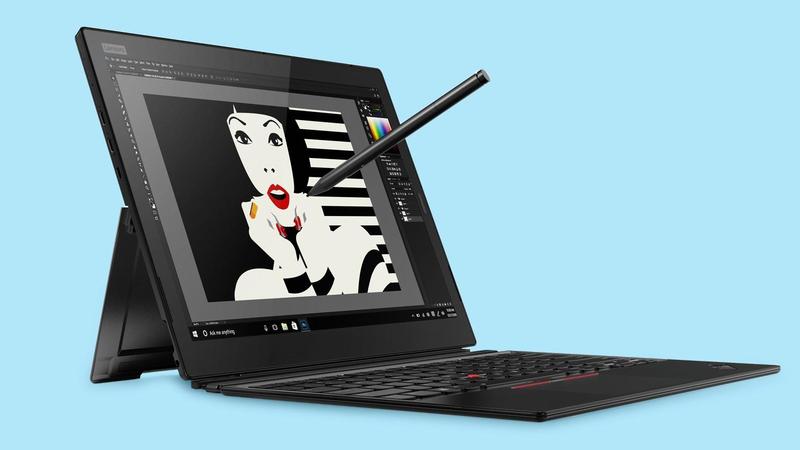
- Screen-size: 13-inch
- OS: Windows 10
- Stylus: ThinkPad X1 Pen (included)
This Windows 2-in-1 is Lenovo’s best offering for designers and artists. With a 13-inch, 3K screen and its Active Pen which offers 4,096 levels of pressure sensitivity – the same as what Dell’s offering with its PS 15 2-in-1 model – this acts as a light, portable tablet PC with a large screen you can draw on.
Read more about the Lenovo ThinkPad x1 Tablet. We expect to see a review unit soon.
https://www.digitalartsonline.co.uk/features/creative-hardware/best-tablets-for-art-design/