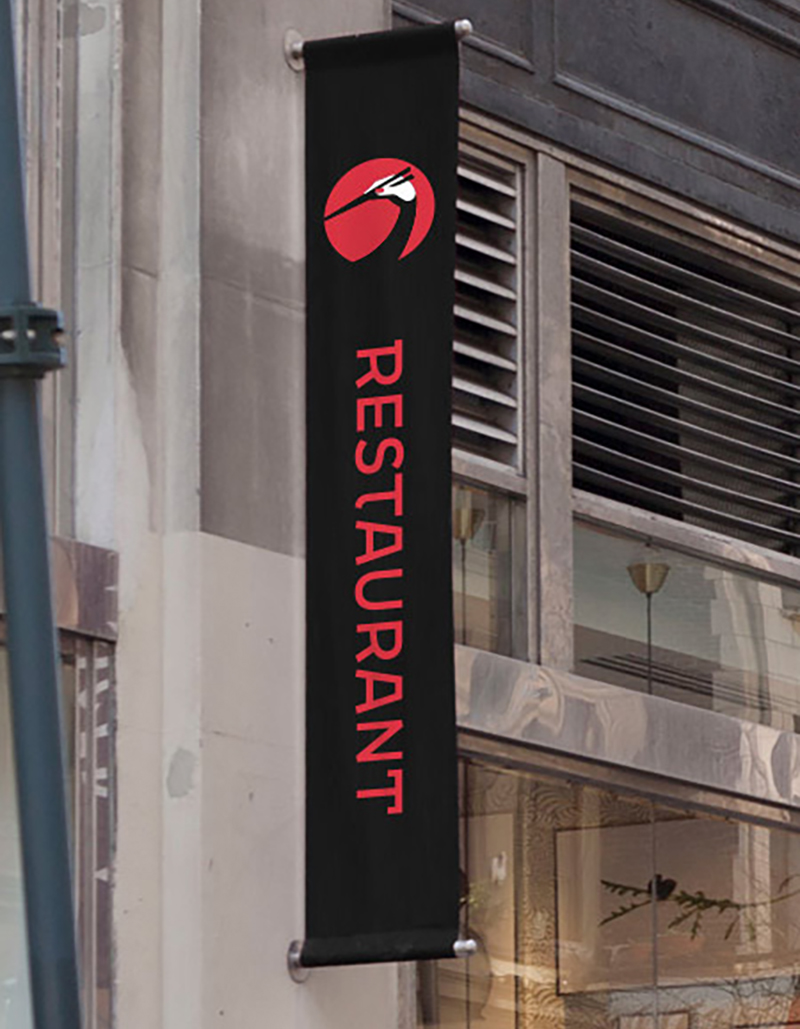
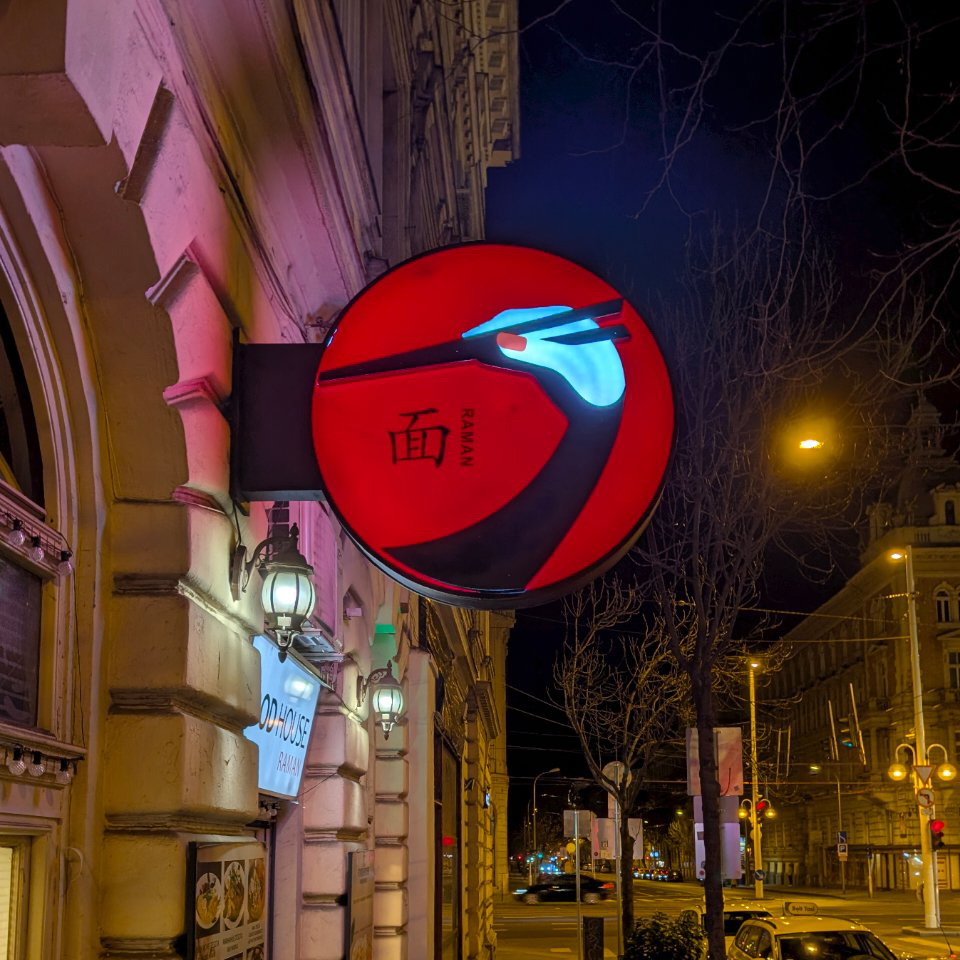
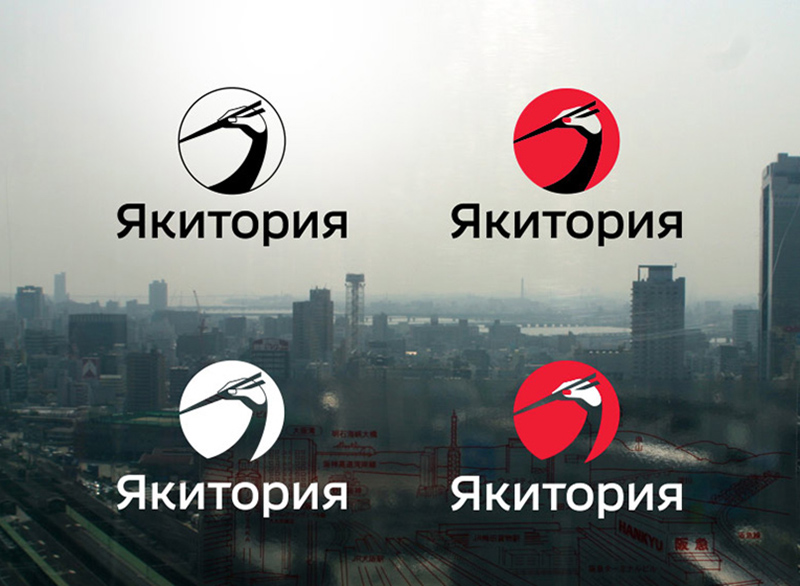
This illustrative logo for a chain of Japanese restaurants caught my eye. It was designed by Egor Zhgun of Art. Lebedev Studio in 2014. The studio’s case study dates back a while but you can catch that here.
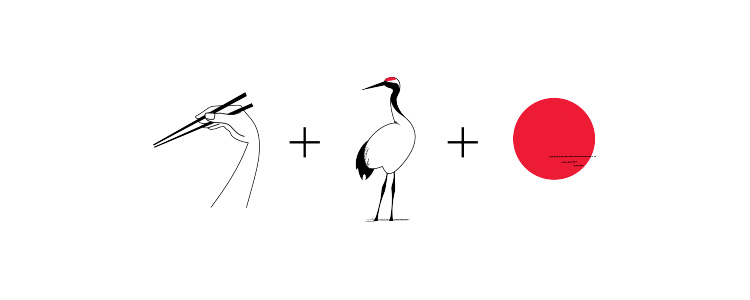
The triple meaning makes the design — the chopsticks in hand, the red-crowned crane, and the rising sun. The crane is a Japanese symbol of longevity and good fortune, so it hints at the culture without clichés like the torii gates or cherry blossom. Set against the Hinomaru disc, it’s a lovely, memorable mark.
Founded in Moscow in 1995 by Artemy Lebedev, Art. Lebedev Studio is one of Russia’s best-known design firms, working across graphic design, identities, industrial design, wayfinding, typefaces and more. The studio sums up its approach as simple, elegant, logical solutions that stay true to the intended meaning. The Yakitoriya logo do.
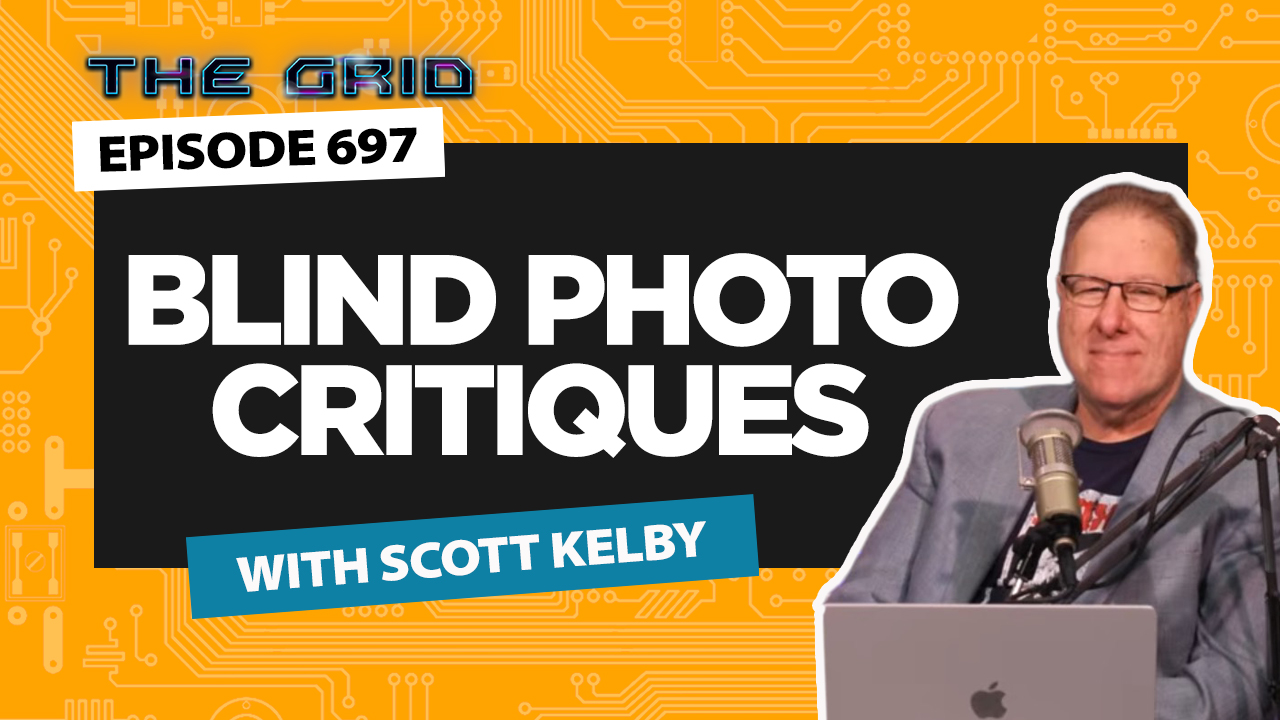
This week on The Grid, Scott Kelby took the reins for another entertaining round of Blind Photo Critiques, reviewing a diverse collection of viewer-submitted images from nearly every genre imaginable.
The lineup included creative portraits, travel photography, automotive detail shots, street scenes, wildlife, macro, underwater, and even astrophotography. As always, Scott offered straightforward feedback on what worked, what could be improved, and how a few thoughtful edits could take an image even further.
He demonstrated practical techniques in Lightroom, Camera Raw, and Photoshop, including using the People Masking tool to recover overexposed skin, creating the look of a long exposure with Motion Blur, expanding compositions with Generative Expand, and experimenting with Generative Fill—with results that were… let’s just say not always successful.
Scott also shared updates on upcoming travel photography workshops, talked about his new iPhone photography book, and gave a preview of the upcoming Photographing People Conference. Although technical issues kept Erik Kuna off camera, he still joined the conversation from California via the live chat to add a few comments along the way.
If you enjoy learning through real-world critiques and practical editing demonstrations, this episode is packed with ideas you can use on your own photos. Watch the replay below and follow along.
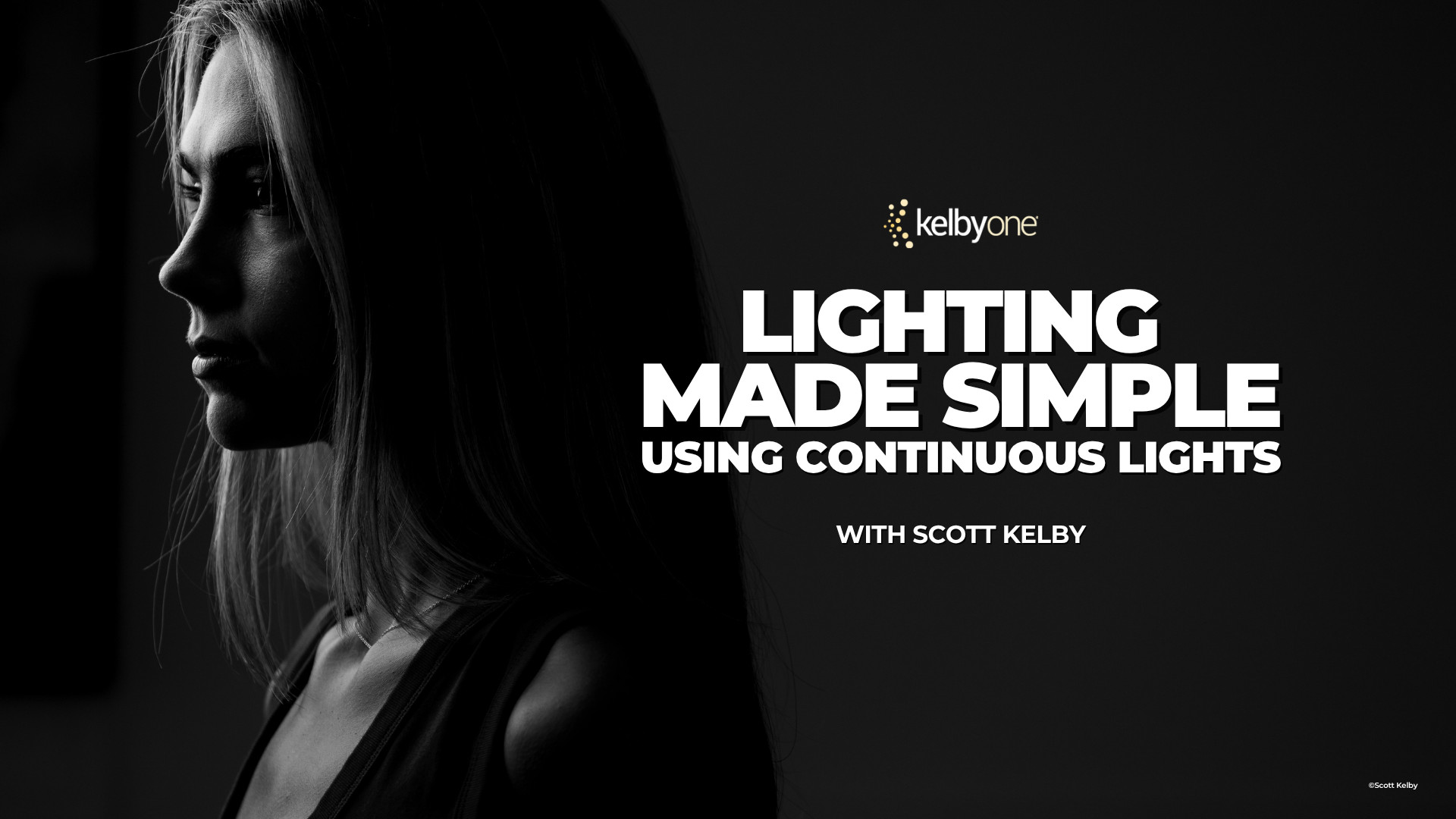
Lighting Made Simple Using Continuous Lights with Scott Kelby
If lighting has ever felt intimidating, you’re definitely not alone.
For many photographers, lighting is where things get complicated. Flash triggers, power settings, test shots, and technical jargon can make it feel harder than it needs to be.
Using continuous lights, Scott demonstrates a simple “what you see is what you get” workflow that makes it easier to understand exactly how light affects your subject. You’ll see how to build a setup in just a few minutes, work through a live portrait session, and create a variety of popular lighting styles, including split lighting, Rembrandt lighting, rim lighting, and more.
The class also covers shooting tethered directly into Lightroom, making it easy to evaluate your images and make adjustments as you work.
Whether you’re brand new to lighting or simply looking for a more straightforward approach, this class offers a practical path to better portraits. Watch Scott tell you more about it below.
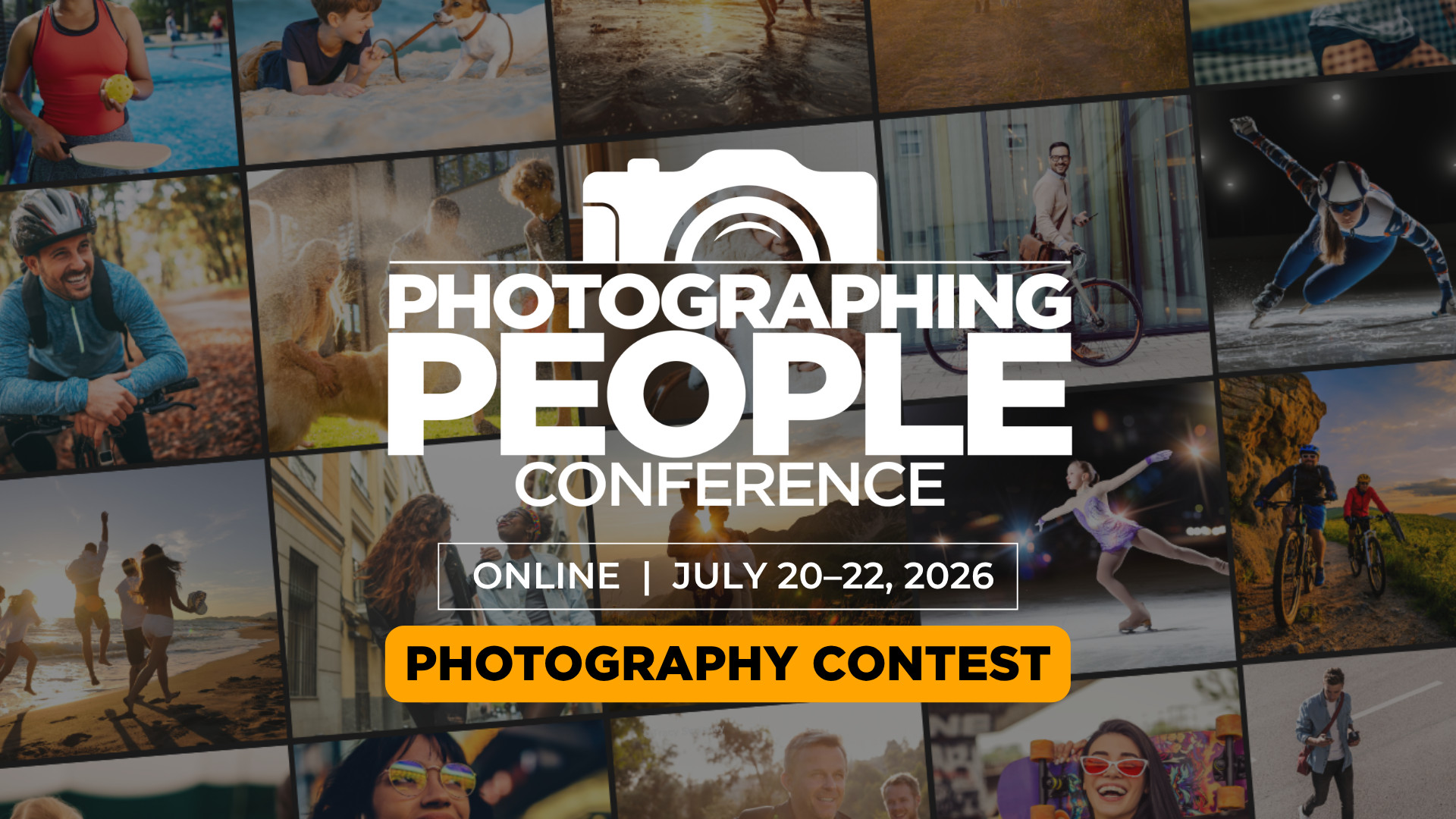
Enter the Photographing People Conference Photography Contest
One of our favorite parts of every conference is seeing what attendees create, and the Photographing People Conference Photography Contest is your chance to share your work with the community.
If you’re a paid registered attendee, you’re eligible to enter. Just submit your best people photos, and you’re in. Portraits, family moments, street photography, travel photos, candid moments, posed portraits—whatever your thing is, we want to see it.
Not only will your image be featured in the conference gallery for fellow attendees to enjoy, but you’ll also be entered for a chance to win prizes from our sponsors and be featured on KelbyOne’s social channels.
More Than a Contest
The gallery is one of the most fun parts of the conference experience.
As submissions start rolling in, you’ll be able to browse images from photographers around the world and see the many different ways people approach photographing people. You’ll find everything from creative portraits and family photography to street scenes, travel images, candid moments, and more.
It’s inspiring, educational, and a great reminder that there are countless ways to tell stories with people in front of your camera.
How to Enter
If you’re registered for the Photographing People Conference, simply submit your favorite image using the button below. We can’t wait to see what you’ve been creating!
Submission Deadline: July 21, 2026 at 11:59 PM EDT
There’s something irresistible about photographing waterfalls.
The movement, the sound, the changing light, and the challenge of capturing it all in a single frame keep photographers coming back again and again.
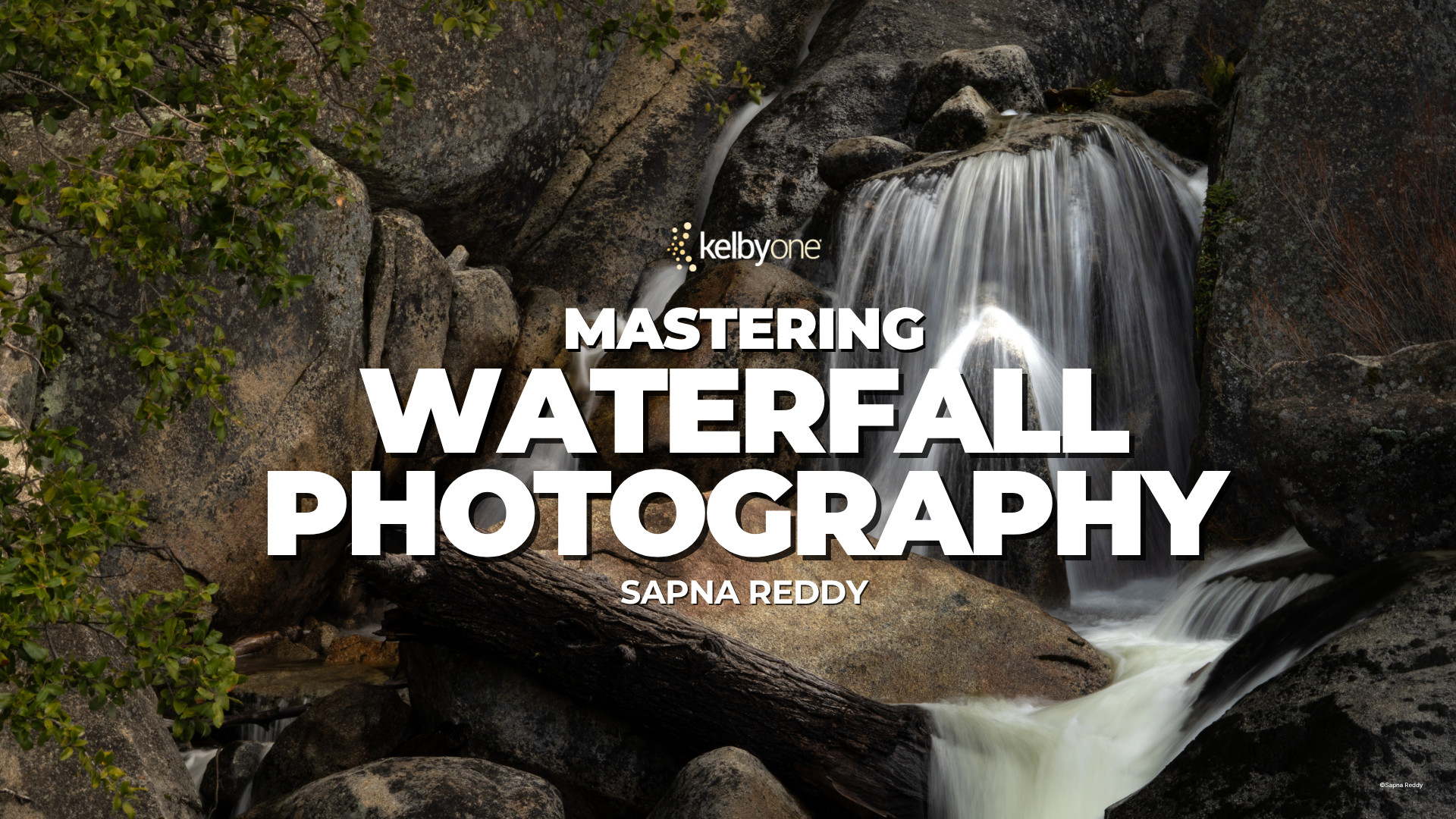
In Mastering Waterfall Photography, Sapna Reddy shares her complete approach to photographing waterfalls in Yosemite, one of the most spectacular locations for moving water photography.
From choosing the right gear and filters to capturing reflections and blending exposures, she walks through the techniques that help create stronger images in the field. She also covers practical considerations like protecting your camera from spray and understanding how changing conditions affect your results.
One of the highlights of the class is Sapna’s discussion of timing, including tips for photographing Bridalveil Fall rainbows and Yosemite’s famous February Firefall.
Whether you’re photographing a world-famous waterfall or a hidden local gem, the lessons in this class will help you approach the scene with greater confidence and creativity.
This Week on The Grid: How Would I Edit Your Photo?
This week’s episode of The Grid was all about editing. Scott Kelby and Erik Kuna walked through a collection of viewer-submitted images and showed how they would approach each one using Lightroom, Camera Raw, and Photoshop.
The images covered a wide range of subjects, from a studio motorcycle portrait and an Outer Banks lighthouse to a challenging church interior and a beautifully captured Milky Way scene. Along the way, Scott and Erik demonstrated techniques for masking, perspective correction, color balancing, distraction removal, noise reduction, and image blending. One standout segment featured a Milky Way composite, where Erik explained how to blend a tracked night sky with a twilight foreground while maintaining natural color and detail. The episode also included several quick edits that highlighted how small changes can make a big difference.
As a bonus, viewers got a preview of an upcoming Lightroom Update webcast featuring Adobe’s Terry White.
Whether you’re looking to improve your editing workflow or simply enjoy seeing how experienced photographers solve problems, this episode offers plenty of useful takeaways. Catch the replay below and see how the edits came together.
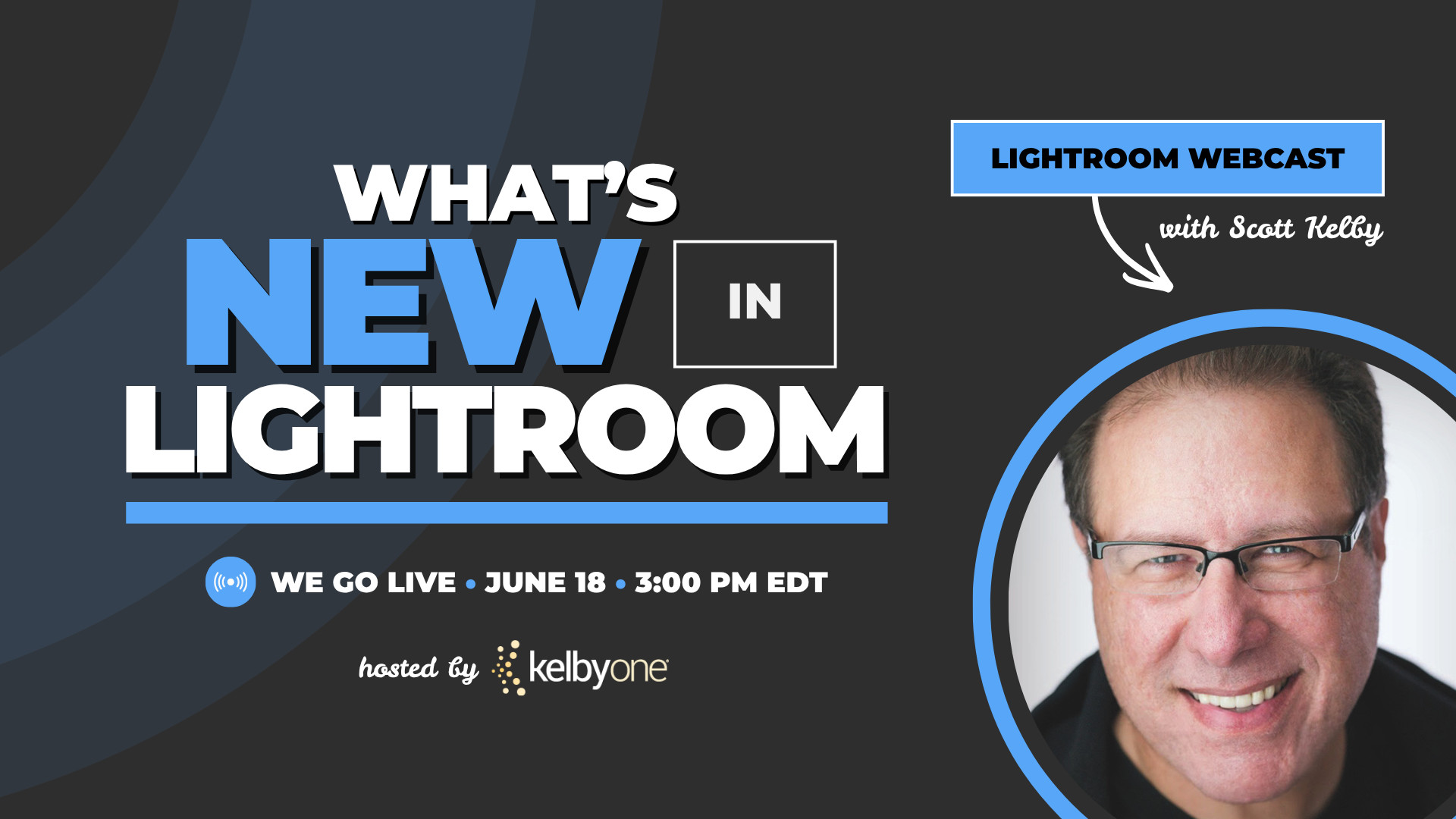
Don’t Miss Our Live Webcast: A Look at the June Lightroom Updates
Adobe is releasing its June Lightroom updates this week, and we know you’re probably wondering, “What’s new, and should I be using it?”
That’s exactly what Scott Kelby will be covering in a FREE live webcast tomorrow, Thursday, June 18 at 3:00 pm ET.
Instead of digging through release notes or trying to figure everything out on your own, join Scott as he highlights the newest additions to Lightroom, shares some of his favorite features, and shows how they can fit into your everyday editing and organizing experience. Whether you use Lightroom every day or just occasionally, this is a fun and easy way to catch up on what’s new.
If you’ve been busy making photos instead of keeping up with updates, we’ve got you covered!
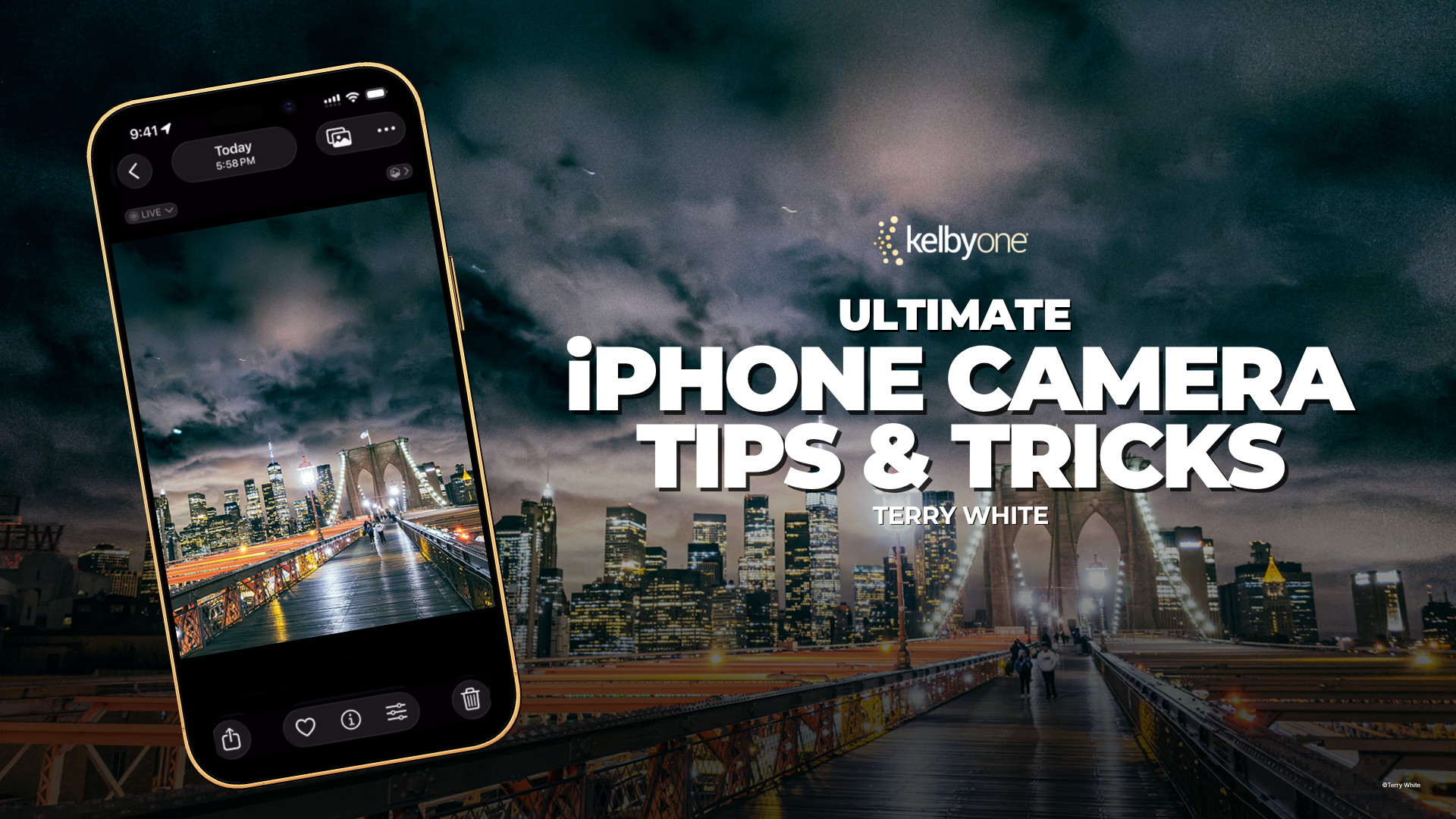
Ultimate iPhone Camera Tips and Tricks with Terry White
Your iPhone camera is packed with features that most people never use.
In his latest class, Terry White walks through the settings and tools that can make an immediate difference in your photography, showing not just where they are, but when to use them.
From customizing the Camera Button and choosing the right file format to mastering Night mode, long exposures, focus and exposure lock, and action photography, Terry covers the features that matter most on the iPhone 17 Pro running iOS 26. The result is a practical guide that helps you move beyond point-and-shoot photography and start making intentional creative choices with the device you already carry every day.
Whether you’re photographing family, travel, landscapes, or everyday moments, these tips can help you get more from every shot. Watch the class here.
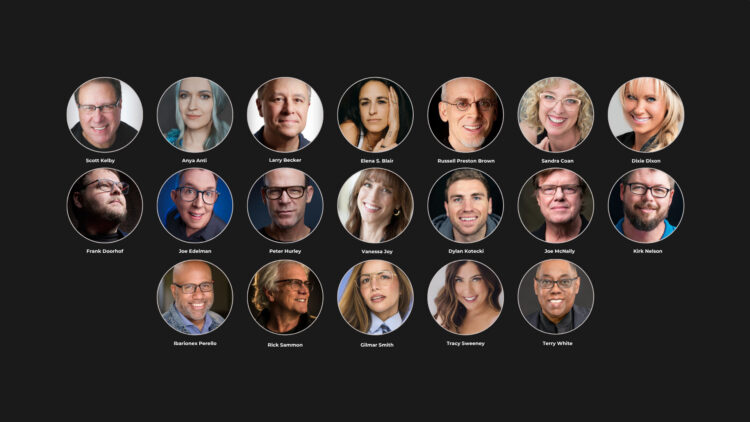
Meet Your Instructors for the Photographing People Conference
One of the best parts of every KelbyOne conference is the people who make it happen.
The Photographing People Conference brings together 19 instructors with different backgrounds, specialties, and creative approaches, all united by one goal: helping you create stronger photos of people.
And we’re not just talking about traditional portraits.
Throughout three days of live online training, you’ll learn from photographers who specialize in family photography, headshots, street photography, travel, sports portraits, weddings, self-portraits, mobile photography, creative illustration, lighting, editing, and more. Some sessions focus on technical skills like posing and flash. Others explore storytelling, connection, creativity, and finding your own style.
That variety is what makes this conference so special. Every instructor brings a unique perspective, and chances are you’ll discover techniques you never expected to use until you see them in action.
You’ll also be learning alongside an incredible community of photographers from around the world. Ask questions during live sessions, share ideas with fellow attendees, and leave inspired by what others are creating.
Whether you’re photographing clients, family, friends, or strangers on the street, these instructors are ready to help you build confidence behind the camera.
Join us online July 20–22 and learn live, or watch on your own schedule with replay access available for a full year.
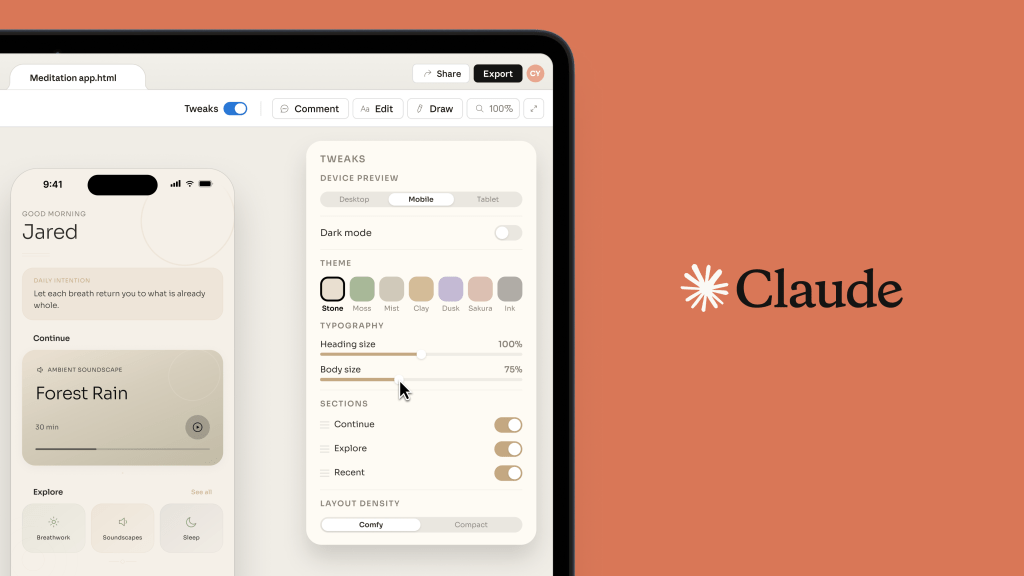
Anthropic Labs, the team dedicated to incubating and testing experimental AI products like within Anthropic, today unveiled Claude Design, an AI-powered platform that automates the creation of designs, slides, one-pagers, and other marketing and sales collateral. It’s designed to be easy to use for both experienced designers and nontechnical users.
The product is built on Claude Opus 4.7, the upgraded version of Anthropic’s flagship model, launched Thursday.
The product is poised to rival other design software titans like Figma and Adobe, both of which have been aggressively investing in AI tools to streamline design workflows, including prompt-based interface and asset generation.
Designers, marketers, creatives, and sales teams can use Claude Design through a familiar natural language interface. They can simply tell the system what it wants to make and watch Claude produce an output based on that input. Then, users can edit the asset directly, or prompt Claude to make changes through chat conversation, inline comments, or custom sliders, a Claude tool that lets users manipulate images, data, or other elements in real time.
During onboarding, users plug in foundational reference materials like design files and codebase. Claude Design then creates a design system that will be used as the de-facto standards for each project, standardizing colors, typography, and other design elements. Users can update or refine the design system, and can create more than one.
Once they’re set up, users can input text prompts, refer Claude Design to their codebase, upload documents and visuals, or even pull elements straight from a website using Claude’s web capture feature. Claude Design will produce outputs based on these inputs; then, users can make edits to polish their designs and can collaborate with colleagues in a shared interface with Claude. Then, designs can be exported in various formats or plugged into Claude Code to start building.
Claude Design is currently in a research beta with select companies, including design software platform Canva, cloud monitoring software company Datadog, and online learning platform Brilliant.
Testing teams have used Claude Design to build product mockups and wireframes, pitch decks and presentations, alongside marketing content like social media content, webpages, and campaign visuals. Claude Design also allows users to create more advanced prototypes and digital experiences sans manual coding, including voice interactions, video elements, 3D visuals, and special effects.
Canva, which in theory could view AI asset generators like Claude Design as competitors, considering the platform has its own native AI-powered visual generation tools, has worked with Anthropic for a year. The company is leaning into the partnership further as it tries out Claude Design. The company’s CEO and cofounder Melanie Perkins said the integration will make it “seamless for people to bring ideas and drafts from Claude Design into Canva, where they instantly become fully editable and collaborative designs ready to refine, share, and publish.”
At Datadog, Claude Design has already proved capable of shortening iteration periods and “enabling live design during conversations,” according to product manager Aneesh Kethini. “We’ve gone from a rough idea to a working prototype before anyone leaves the room, and the output stays true to our brand and design guidelines. What used to take a week of back-and-forth between briefs, mockups, and review rounds now happens in a single conversation.”
Anthropic hopes the new product will appeal to both advanced designers and nontechnical users. “Even experienced designers have to ration exploration—there’s rarely time to prototype a dozen directions, so you limit yourself to a few. And for founders, product managers and marketers with an idea but not a design background, creating and sharing those ideas can be daunting. Claude Design gives designers room to explore widely and everyone else a way to produce visual work,” the company said in a press release shared with ADWEEK.
Claude Design is accessible to Claude Pro, Max, Team, and Enterprise subscribers.