

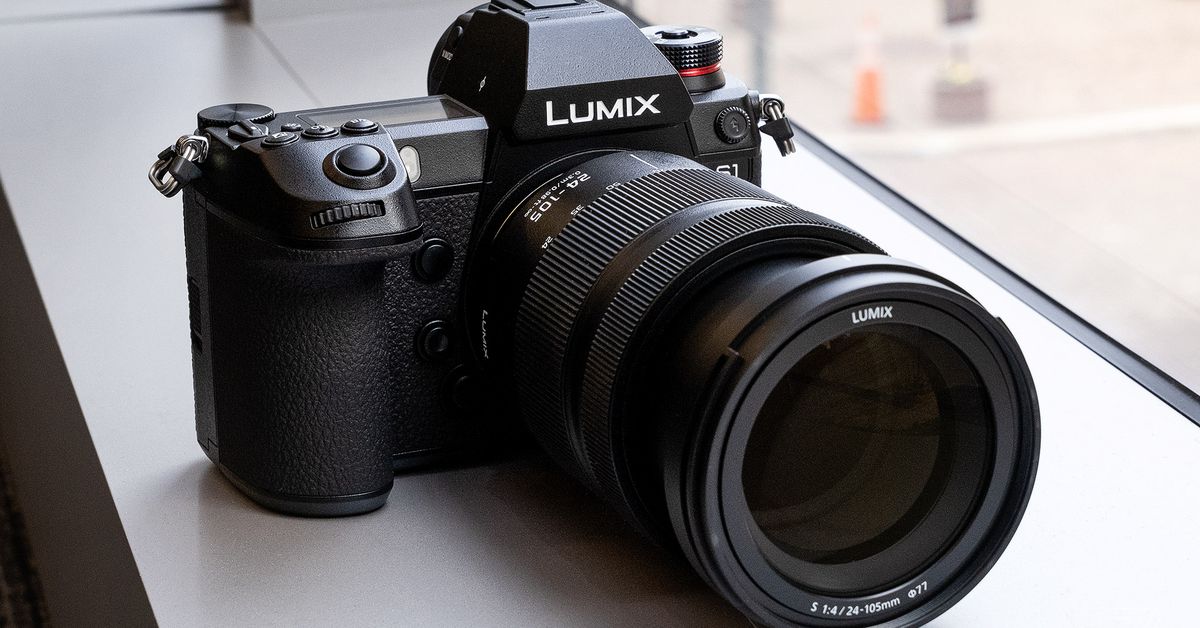
Panasonic is making it easier to use its mirrorless cameras as webcams via a USB cable, thanks to a new beta version of its Lumix Tether app (via Engadget). Using a mirrorless camera should make you look significantly sharper on video calls, especially compared to the typical picture quality from a laptop’s built-in webcam.
The Lumix Tether app already allowed you to connect your camera to a laptop or desktop for tethered shooting. That lets you see a live view from the camera on your computer with a focus box and some on-screen controls, in addition to sending photos to your computer soon after you shoot them on your camera. With , though, Panasonic is letting you remove the UI elements so that you can pass a clean video feed to an app like Open Broadcaster Software (OBS) and then onto your videoconferencing software.
Here’s a video showing how to set it up:
The new version of the app is only for Windows, though. Panasonic says the app is compatible with its DC-GH5, DC-G9, DC-GH5S, DC-S1, DC-S1R, and DC-S1H cameras.
Canon and Fujifilm also have apps that let you use their cameras as webcams over USB, though they have the added benefit of letting you output directly to a Zoom call without having to go through OBS. Canon’s app works for , while Fujifilm’s is Windows-only. If you want to use your Sony or Nikon camera as a webcam, though, you can’t do so just with a USB cable — you’ll need to have some additional hardware. Here’s our guide on how to set up a DSLR or mirrorless camera as your webcam.
https://www.theverge.com/2020/6/9/21285486/panasonic-mirrorless-cameras-webcam-lumix-tether-beta-app-windows